


Multifactor Authentication: Added Online Security


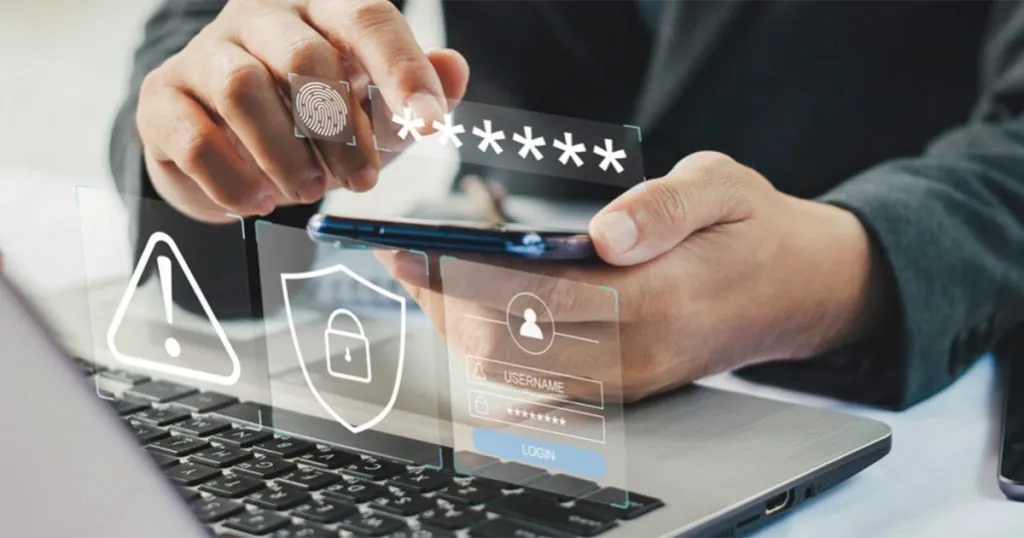
Strengthen Online Security With Multifactor Authentication
Securing valuables typically involves locking them up. For particularly valuable items, you may even add extra layers of protection, such as a home security system.
This principle applies to online security as well, where multifactor authentication serves as an extra layer of defense to help keep your personal information safe and secure.
As cybercriminals continue to develop new ways to access your information, the need for strong security measures has never been more critical. Multifactor authentication provides a powerful solution by requiring multiple forms of verification to help ensure you’re the only one who can access your online accounts.
What is multifactor authentication?
Multifactor authentication may sound complicated, but it’s a simple yet effective security measure that requires proof of identity in addition to your passwords.
It’s effective because, even if an unauthorized person steals your password, they still need the other proof to access your information, making it much harder for them to access your accounts.
Leading technology companies such as Apple and Android offer multifactor authentication applications to safeguard personal information on their platforms. It’s also becoming standard practice for many other online service providers.
Setting up and using multifactor authentication
Enabling multifactor authentication is simple and straightforward:
Check availability: Verify whether your account provider supports multifactor authentication and follow the provided setup instructions.
Password entry: Your first security layer is your password. Ensure it is strong and unique.
Identity verification: After entering your password when logging in to an account, you’ll be prompted to verify your identity through a second factor like a security code sent to your mobile device, a scan of your fingerprint or face or a push notification.
Adopting multifactor authentication significantly enhances your online security, providing a simple-to-use layer of added protection.
For more information about how multifactor authentication can help protect your personal information, visit cisa.gov/MFA.
Suggested content for you in Health & Well-Being
-
7 Ways to Keep Your Kidneys Healthy
-
7 Low-Impact Exercises for Seniors Who Want to Stay Active
-
What Is Healthspan? How to Stay Active and Independent Longer
-
How to Prepare for Your Welcome to Medicare Visit
-
How to Keep a Personal Health File After 65
-
How to Prepare for a Medicare Annual Wellness Visit
-
How to prevent heart disease: 8 heart-healthy tips
-
Seniors Fight Loneliness with Creativity
-
How to Boost Memory: 7 Brain Health Tips
-
7 Tips for Safe Online Banking for Seniors
Explore other topics
Traveling in Retirement
Top 5 Cities for Seniors to RetireStaying Fit
5 Exercises for a Cardio Workout At HomeHealth & Aging
Fun Activities for Seniors to Stay Healthy All Categories
 Medicare
 Retirement Planning
 Business Resources
 Life Insurance
 Financial Planning
 Health & Well-Being
 Travel & Living